
Satellite Internet Mini Kit
Portable Internet Networking & connectivity
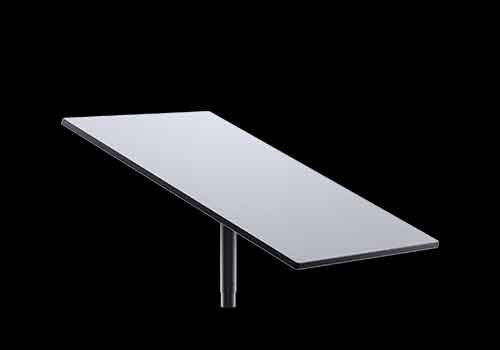
How To Fix Satellite Internet Not Showing Up On WiFi
Power Cycle Everything
Unplug your satellite internet router and dish (if using Gen 2 or Gen 3 kit, just unplug the power). Wait 1–2 minutes. Plug it back in and wait 3–5 minutes for the system to boot fully.
Check LED Indicator (if available)
Gen 2 router (rectangular): No LED. Gen 3 router: Look for the small LED on the front. Solid white: Online Blinking white: Booting No light: No power
Use the satellite internet App
Install the satellite internet app from the Play Store or App Store. Tap “Connect to satellite internet” — it can often find and connect even if it’s not showing up in the normal WiFi list. Go to Settings > WiFi Configuration to ensure the network is enabled and not hidden.
Hard Reset the Router
If the WiFi still doesn't appear, do a factory reset: For Gen 2 Router (white rectangular): Power cycle 3 times: Unplug the power for 3 seconds Plug in for 3 seconds Repeat x3 Wait 5–10 minutes for reset
Check for Obstructions or Misalignment
If your dish has no signal, the router may not broadcast WiFi. Use the app’s “Obstruction Tool” and ensure the dish has a clear view of the sky.
Ethernet Adapter Conflicts
If you’re using the satellite internet Ethernet Adapter, it disables WiFi automatically. Disconnect the adapter and reboot the router. The WiFi should return.
Recap: Common Fixes
| Problem | FIX |
| No power | Check cable, plug into different outlet |
| No WiFi name | Hard reset router (3 power cycles or reset button) |
| Using Ethernet Adapter | Disconnect it to re-enable WiFi |
| Signal blocked | Move dish for clear sky view |
| Hidden network | Use app to reveal or rename network |
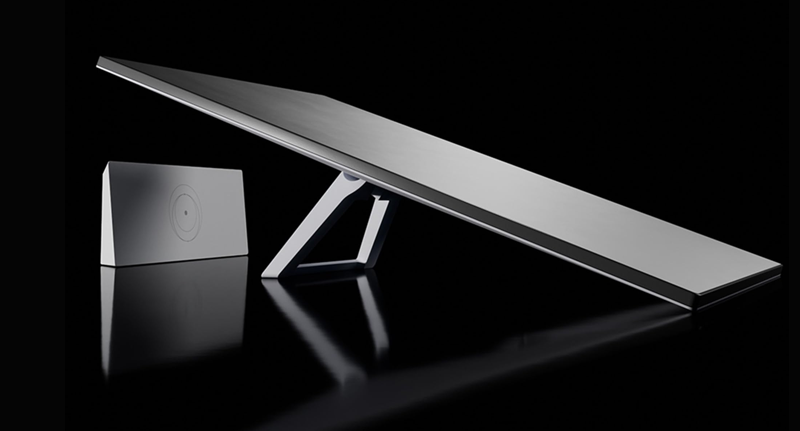
satellite internet Standard Kit
Satellite Internet Dish (Dishy) – Gen 2 (rectangular) or Gen 3 (rounder base)
Wi‑Fi Router – Gen 2 (plastic base) or Gen 3 (metal base with Ethernet) Satellite internet – 75 ft (22.8 m) pre-terminated cable
Power Cord
Kickstand Mount/Base – Basic tripod stand for flat surface testing
Installation Summary
Use Satellite internet App to check for sky obstructions. Assemble and power on (auto-connects to satellites). Set up Wi‑Fi and name your network. Optional: mount securely using roof/wall/pole mount kits.Satellite Internet Mini Kit
Here’s a complete overview of the Mini Kit, SpaceX’s most portable internet terminal designed for mobile use, emergencies, or compact setups:
Mini Dish (~11.75" x 10.2"; 30 x 26 cm)
Built-in Wi‑Fi Router (integrated into the dish)
15 m (49.2 ft) Cable
Power Cable & Adapter
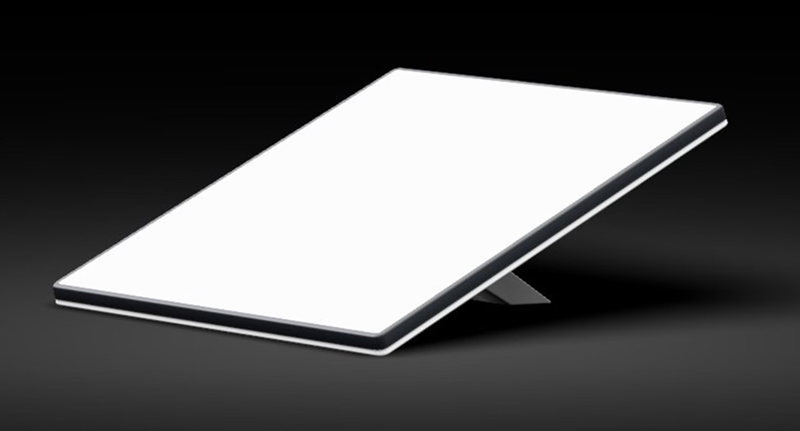
Installation
Satellite Internet Mini Services Land Mobility Vs Maritime
Here’s a clear comparison of Mini Services for Land Mobility vs Maritime, so you can choose the right plan depending on your use — whether on land (RVs, cars) or sea (boats, yachts).
| Feature | Land Mobility | Maritime |
|---|
| Use Case | RVs, vans, vehicles, remote land travel | Boats, yachts, commercial vessels on open waters |
| Coverage Area | Land-based coverage only (based on your plan) | Global oceans, seas, and coastal waters |
| Portability | ✅ Yes — portable | ✅ Yes — but with higher costs and specialized plans |
| Roaming Allowed? | Yes (within allowed regions) | Yes (on the ocean or inland waterways) |
| Speeds (Typical) | 50–100 Mbps download | 40–220 Mbps download (depends on location + plan) |
| Latency | ~25–50 ms | ~40–60 ms |
| Hardware | Mini Dish (low power, compact) | Mini may work nearshore, but Maritime kits (HP/Flat HP) preferred offshore |
| Power Usage | 20–40W | Maritime (flat HP) uses ~110W |
| Monthly Cost (USD) | ~$50–75/month (Mini Plan or Roam) | $250–5,000+/month (Maritime Priority Tiers) |
| Mounting | Portable mount, tripod, roof | Fixed flat mount or marine-rated setup |
| Weatherproof? | Somewhat — IP54 (Mini) | Maritime kits: IP67+, salt & motion-resistant |
Land Mobility (Mini Plan or Roam):
Intended for land use only — violating this may result in reduced performance or service deactivation at sea.
Works well for vans, RVs, campers, emergency teams, or pop-up offices.
Maritime Use:
Requires Maritime-specific plans for offshore use.
If you take your Mini dish on a boat, expect limited or no support once you go far from shore.
Starlink may throttle or geo-restrict Mini use in unauthorized zones.
If you’re unsure, clearly distinguishes land vs. maritime service in your account settings. Using a Mini dish on a boat offshore without the correct plan may violate Terms of Service.
Would you like help with a Mini setup for your RV or info on Marine-compatible mounts and power systems?